

AI Assistant for Salesforce Workflows
Role: Product Designer
Timeline: 3 months
Type: Exploration / Discovery
Due to NDA constraints, company details, visuals, and data in this case study have been anonymized and reconstructed.
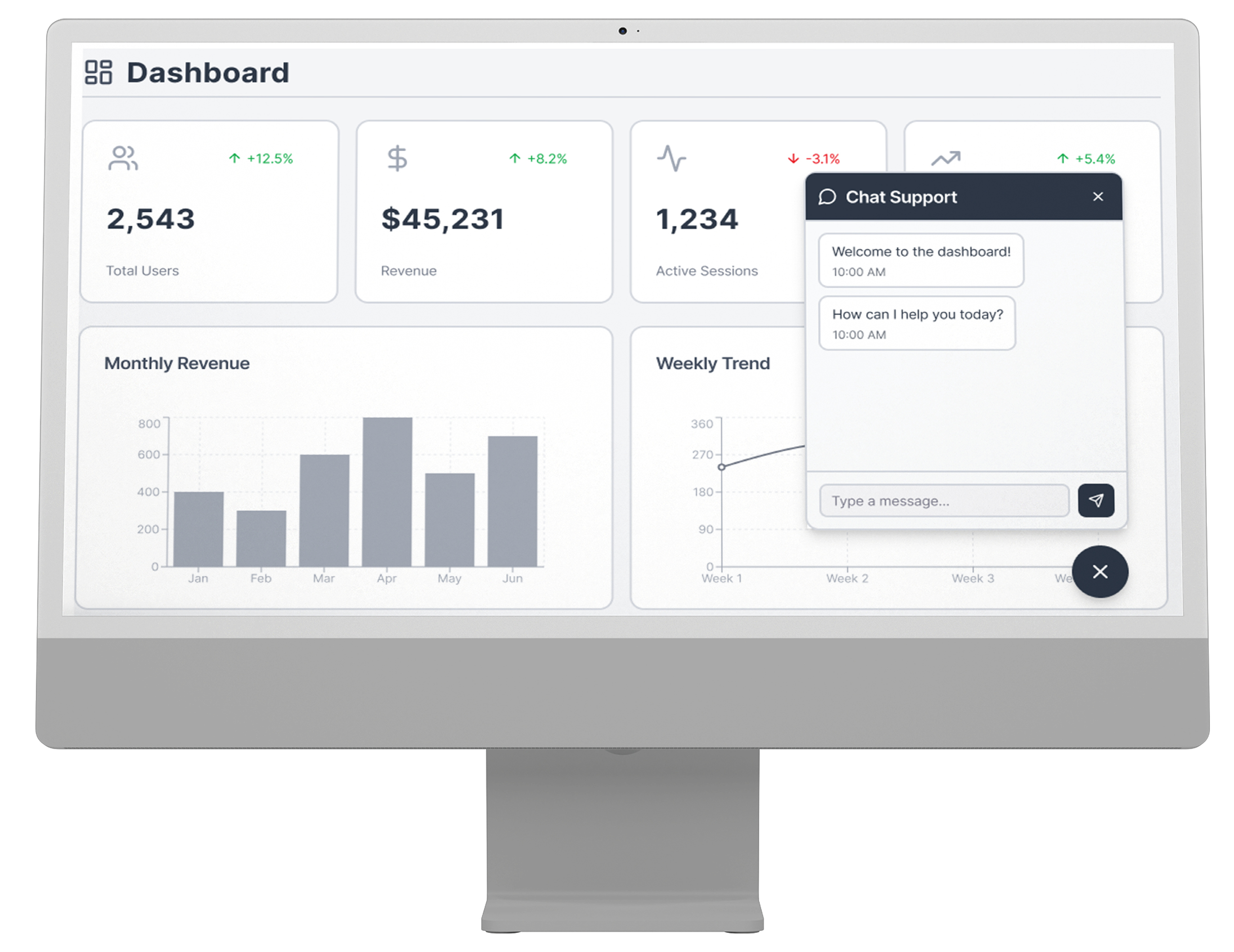
This case study covered an initiative researching how AI can empower employees using Salesforce CRM. We wanted to create less friction for backend operations by allowing employees to locate information quicker, automate repetitive tasks and reach employee success from anywhere in the application.
Overview
While Salesforce does a great job supporting many complex internal workflows, many day-to-day requests still require context switching between records, tools, and support resources.
For employees responding to repetitive requests, looking up information, or maintaining records in their day-to-day tasks, there was friction. We set out to see if an AI assistant could eliminate that friction by working with users inside their workflow.
This exploration answered the question: In what ways could AI enhance internal Salesforce workflows to be useful, efficient, and easily trusted? The concept was built around three objectives: saving time on repetitive tasks, enhancing internal support accessibility, and assisting users with common actions seamlessly.
Discovery
The project kicked off with joint discovery workshops done in FigJam with associates, stakeholders, and managers. We jumped into post-it note activity-style collaboration to surface feedback on where things felt confusing, inefficient, or frustrating to navigate.
We did another round of research, interviewing 5 users. The users included participants who have worked for the company for 1-10 years.
“I get anxiety when I can’t find certain answers, and I have calls pilled up already.”
” I can’t help everyone at the same time.”
”Sometimes the chat is busy, and I don’t want to bother people.”
We talked through with users where they got stuck, what information was hard to find, and where they needed additional support. From there, we identified two major flows to scope for the project.
Identifying the Two Priority Flows
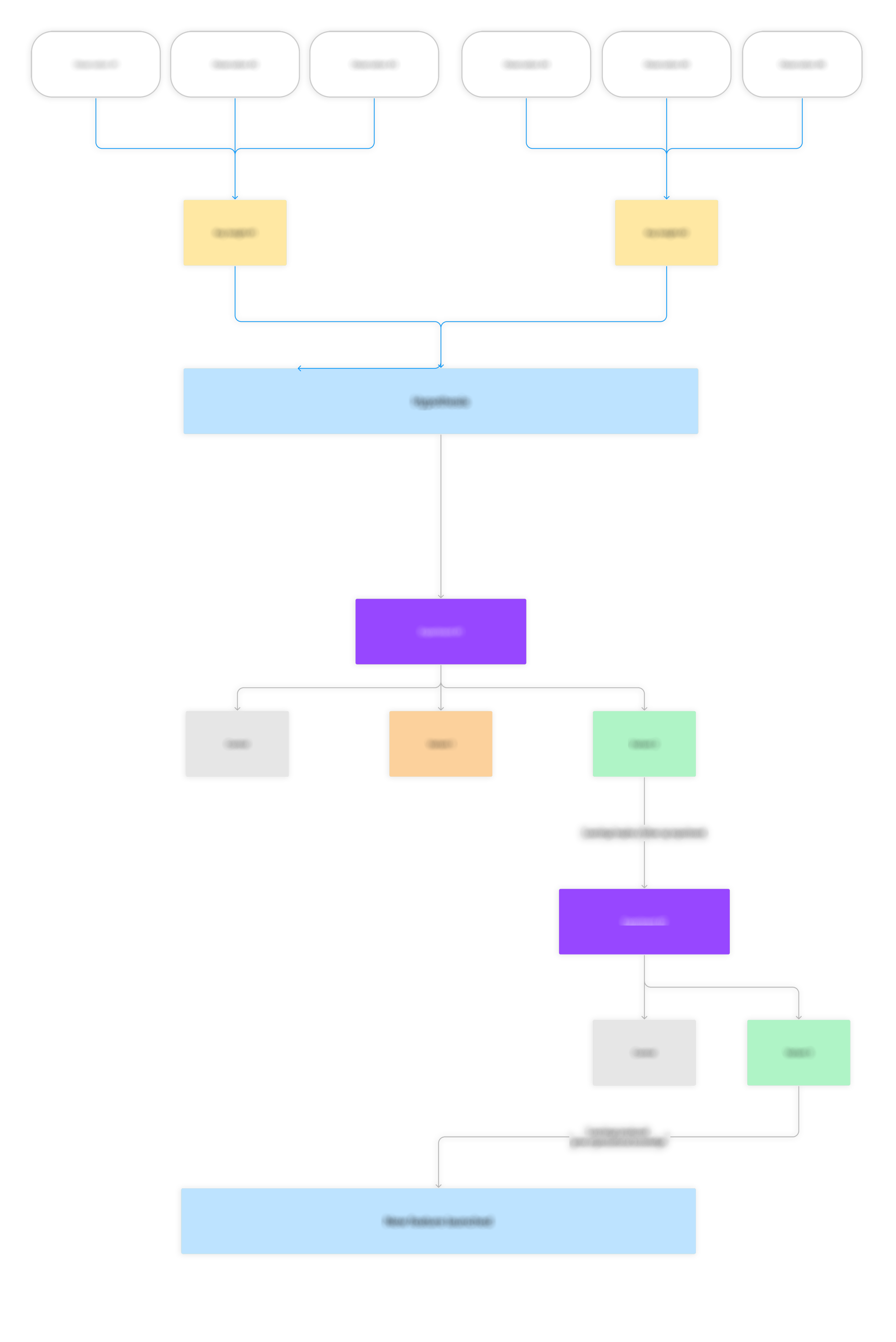
We identified two flows that caused the most confusion. In both instances users were seeking out specific information but the journey to get there was convoluted and required several steps. Instead of reworking the entire experience we looked to simplify these two friction points to create a seamless guide.
Solution
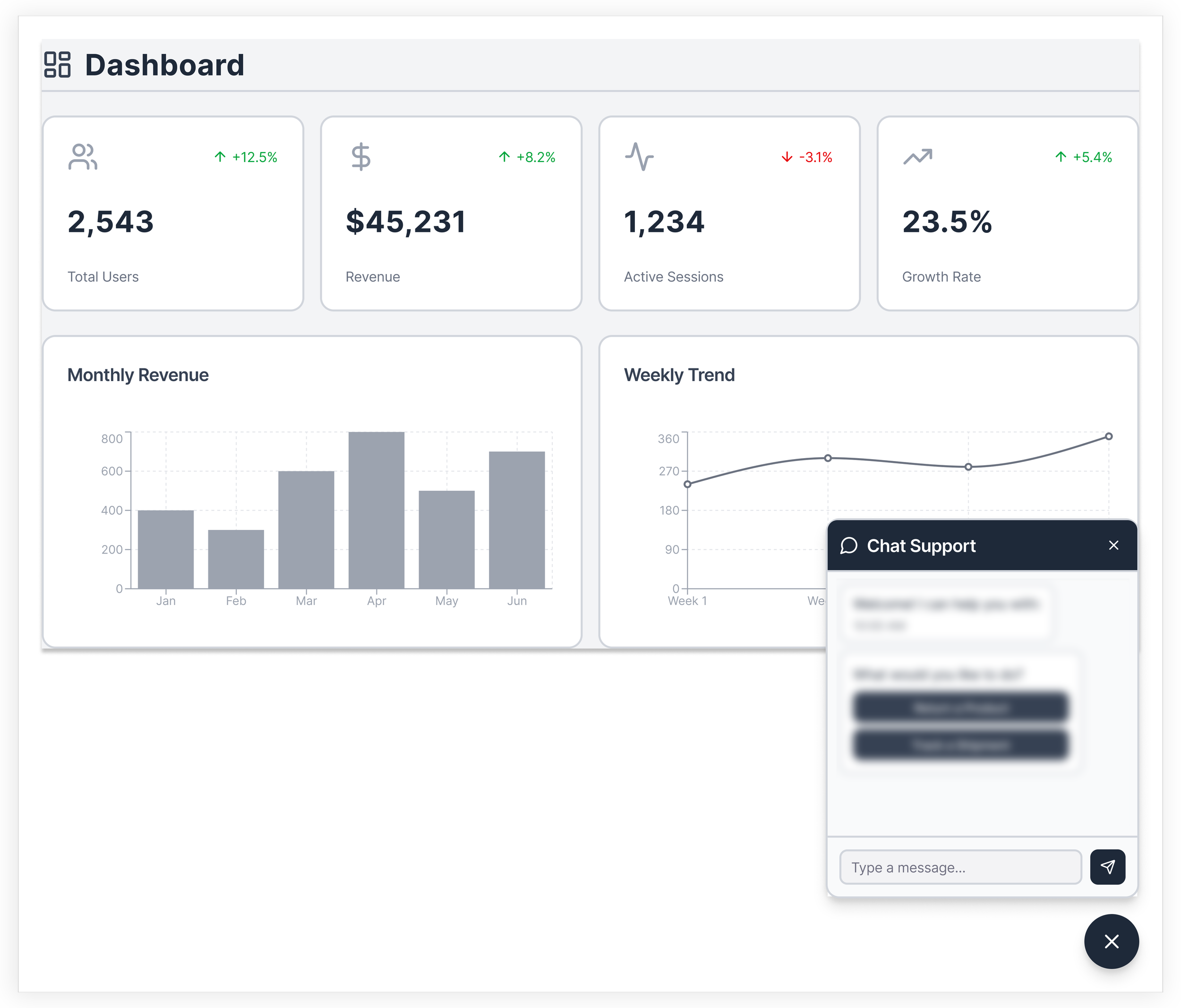
The solution ended up being two guided chatbot flows within Salesforce’s existing environment. Instead of building something completely new from the ground up, my efforts were put towards optimizing two sticky flows where customers were failing to locate proper information and take action from there.
Flow maps were designed, conversation cadence was established, and collaboration with content design defined how each flow would navigate customers step-by-step. This allowed us to design a clear and seamless chatbot experience that helped reduce friction and locate information with ease across both flows.
Validation
We tested chatbot flows with prototypes among associates, stakeholders, managers and a few engineers. The response was overwhelmingly positive and most testers navigated through the experience quite confidently.
We had a completion rate of 90%. The other 10% experienced friction at some point in the flow.
We told them to finish the two flows we created based on our findings.
For the Future
This project helped address two priority flows. There is always an opportunity here to expand. Future work would involve continued discovery of additional user needs, along with discovery of what return-related use cases we want to prioritize for the bot.
Conclusion
The biggest lesson this project reinforced was that great UX work isn’t always inventing something from scratch—it’s about understanding how people navigate the system they already have and making that journey better. Salesforce already had an existing chatbot skeleton, so the opportunity to add value was found by surfacing where users were having pain points, focusing on the two highest-friction journeys, and creating a straightforward path to the answers they were looking for.
It also taught me that research, content, and design need to be hand in hand. Journey mapping, writing conversational paths, and flow validation transformed a rigid framework into something that felt more helpful and natural. Reflecting on this project, I learned that clarity, guidance, and structured content can go a long way in helping people feel confident about using a conversational tool.